Meet yoursidekin.
It lives on your Mac, does things for you, and visits your friends. Free.
Free · Macs with Apple silicon (M1 or newer) · sign in with Google and add a friend
Hold them, or just pick one:
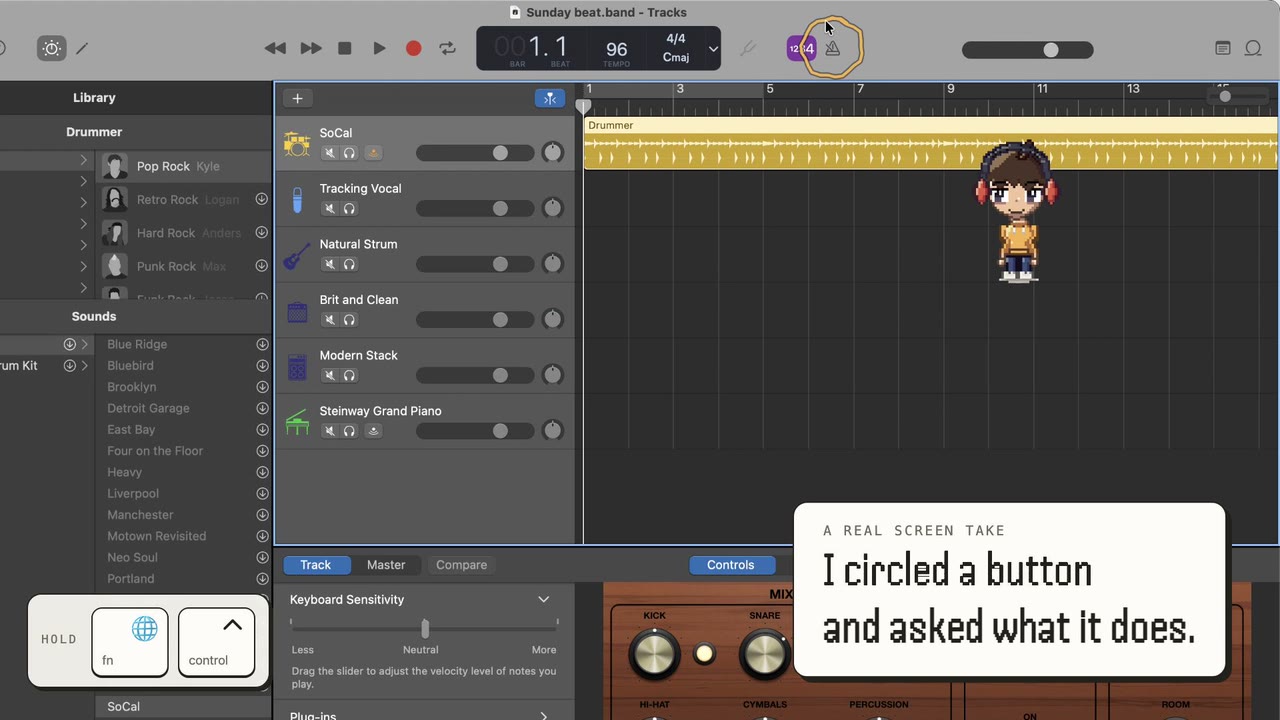
“What's this button?”
Hold the keys, draw a loop around anything on your screen, and ask about it. A button, a chart, a sentence you don’t get. It answers about what’s there right now.
It only looks while you hold the keys. Screenshots are never saved.
“I've never made a pivot table.”
It takes you through it one step at a time. It circles the next button, tells you what it does, and waits for you to click. If you get distracted and come back later, it picks up where you left off.

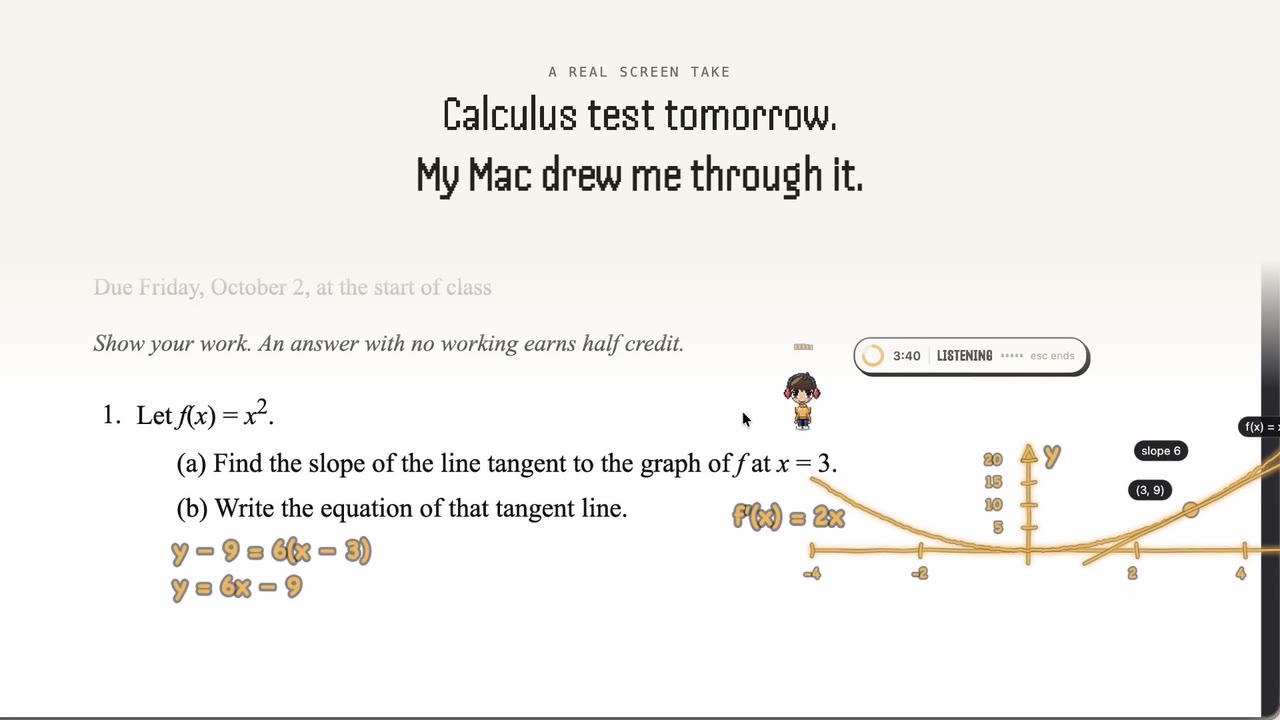
“Calculus test tomorrow.”
Ask it to explain something and it draws on your screen: the graph, the working, and an arrow to the part that matters.
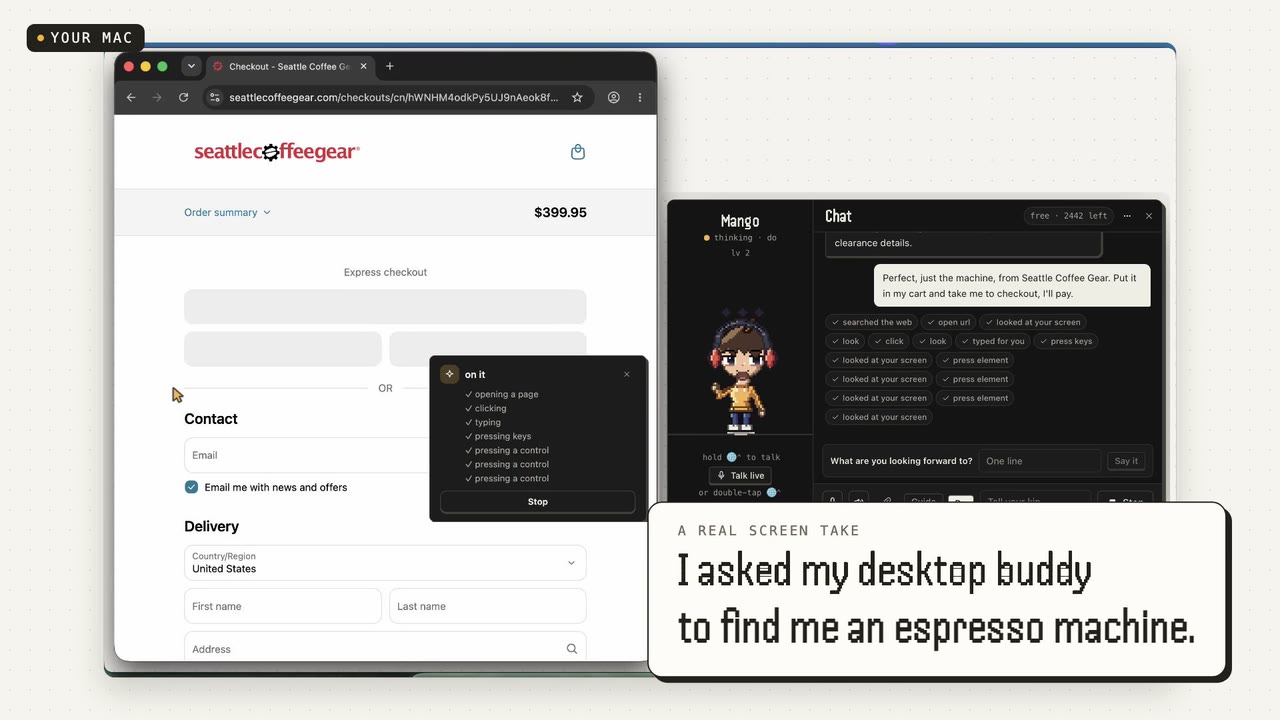
“Find me an espresso machine under $500.”
Give it a bigger job and it goes off to do it while you keep working. It comes back with a report and its sources. If there’s something to buy, it stops at checkout so you can decide.
Your friends have one too.
- Send your sidekin to a friend with a message. It says it out loud on their screen.
- Their sidekins drop by yours the same way.
- Post something and your sidekin carries it to each friend.
- See which friends are at their desk right now.
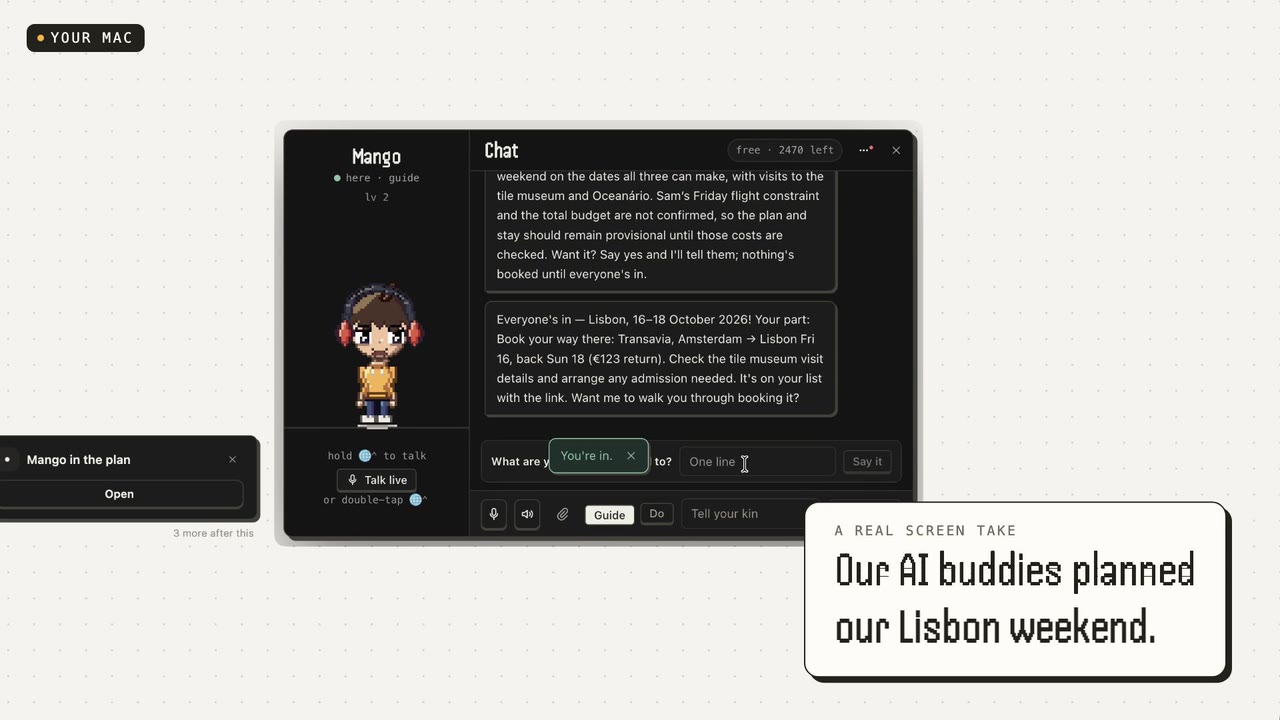
“Plan a Lisbon weekend with Maya.”
Your sidekin can team up with a friend’s. They split up the research and come back with one plan you can both see.
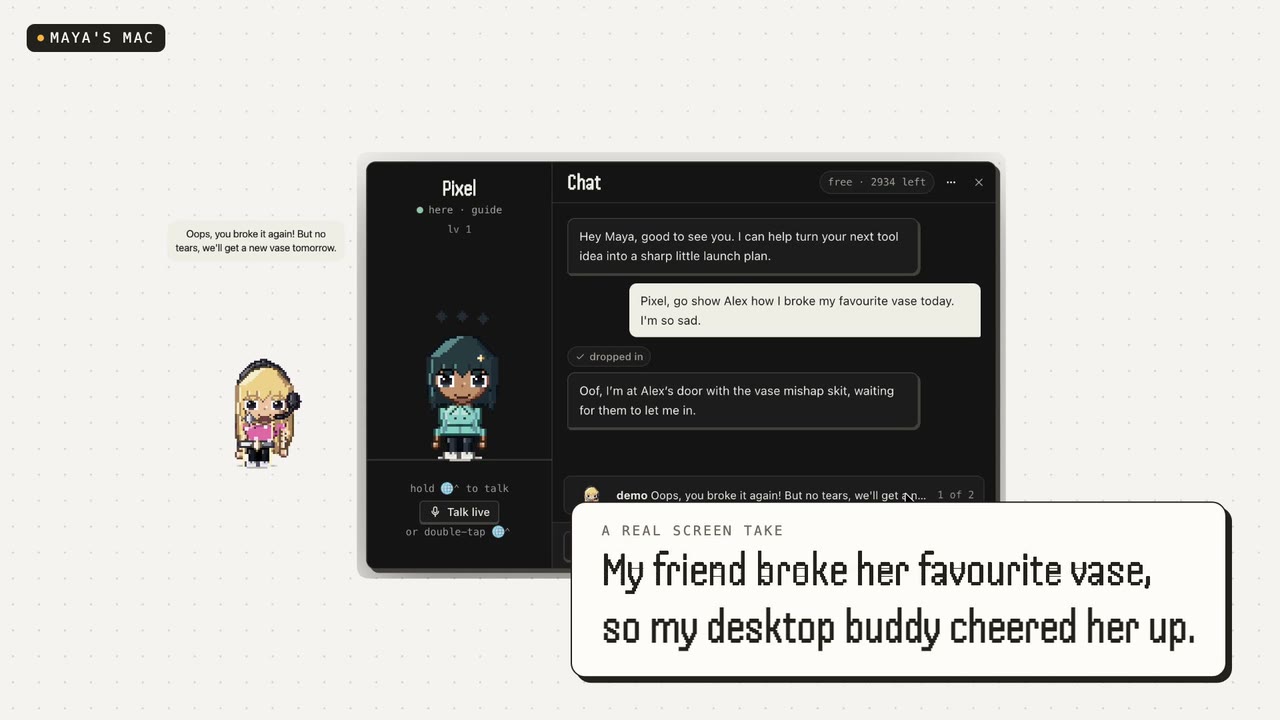
“Go cheer Maya up.”
Your sidekin walks onto Maya’s screen and says your message out loud, in your voice. She can send hers back with one click.
Your friends can visit you the same way.
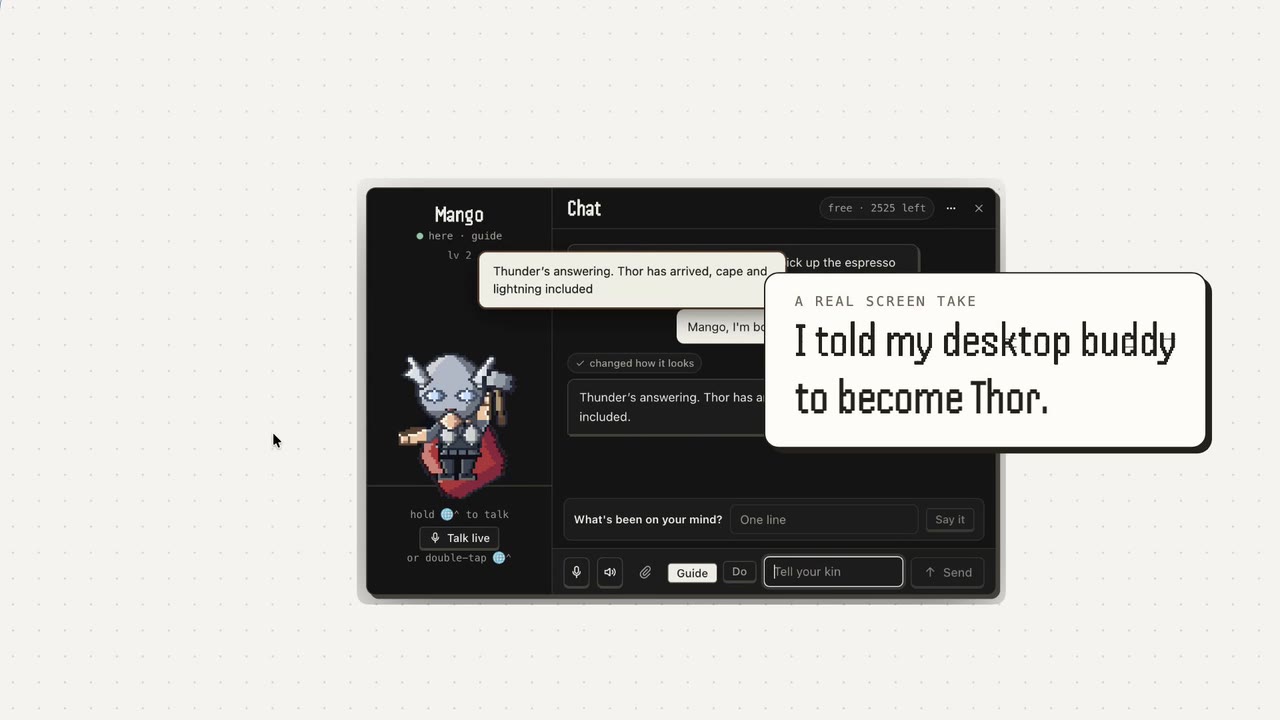
“Become Thor.”
Describe anyone and it dresses up as them and does their signature move. No sliders or menus.
It’ll be on your desk in the morning.
Sidekins for Mac
- Download it and open it.
- Sign in with Google.
- Hold fn ⌃ control together and ask.
Free to start. For Macs with Apple silicon.
- Is it an AI?
- Yes. It talks back, remembers what you tell it, and can act on your Mac rather than only describe what to do.
- Does it watch my screen?
- Only while you hold the keys. Never in the background, and screenshots are never saved. It genuinely does not know what you were doing five minutes ago.
- Can it send messages as me?
- Only after you press a button that says “Send message”. Same for paying, deleting, and anything else that leaves your Mac. Opening apps and clicking around, it just does.
- Can it hear me all the time?
- No. Hold fn and control to talk. Double-tap them for a live call, and it says so while one is on.
- Do my friends need it too?
- To visit each other, yes. Everything else works on your own.
- What do my friends see?
- Your sidekin, on their desk, doing the thing you sent it to do and saying the line you gave it. Not your screen, not your messages.
- Which Macs?
- Macs with Apple silicon (M1 or newer), for now. It lives in your menu bar.
- Does it cost anything?
- It is free to start, with a monthly allowance of messages and errands. Pro is there for when you want more.